The strategic platform for workforce transformation
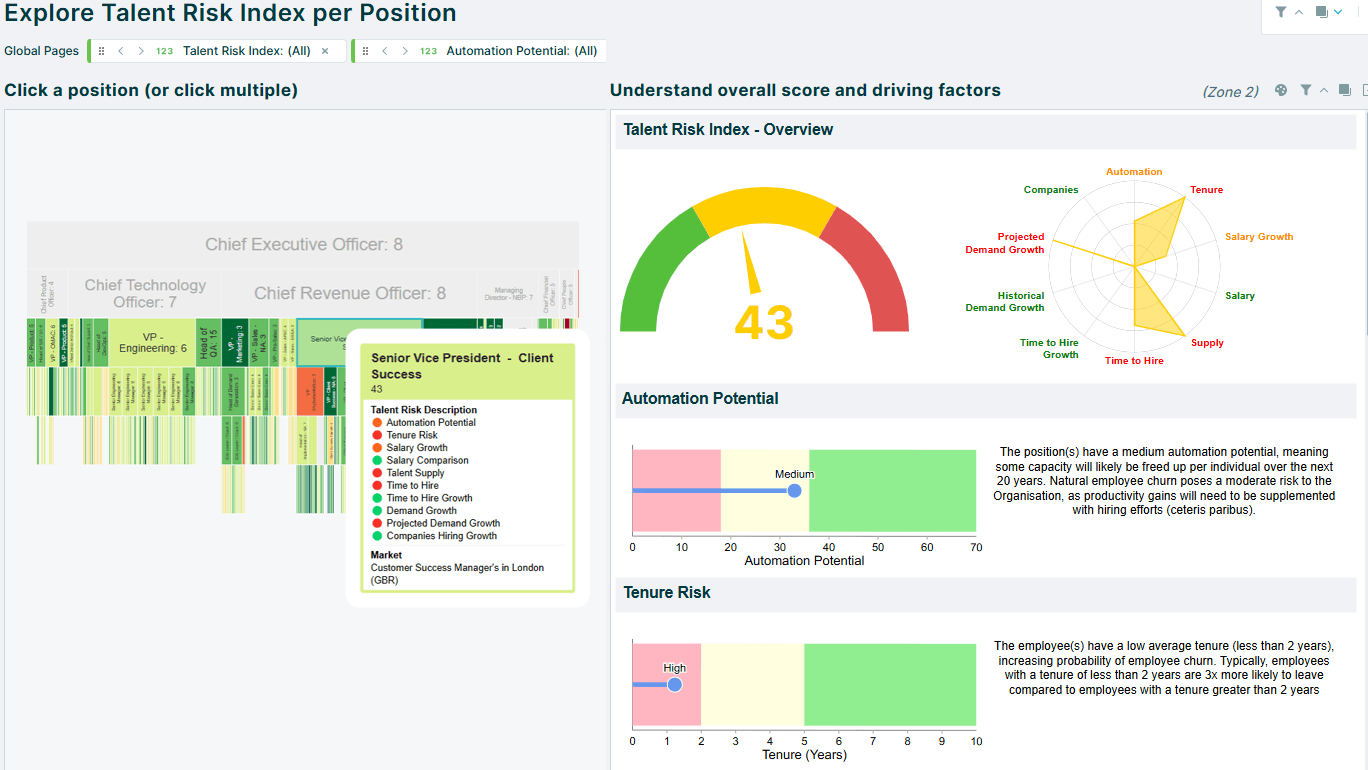
Unify your people, work, skills and costs in one connected model. Design, plan and monitor change with confidence, and turn strategy into a workforce that performs.
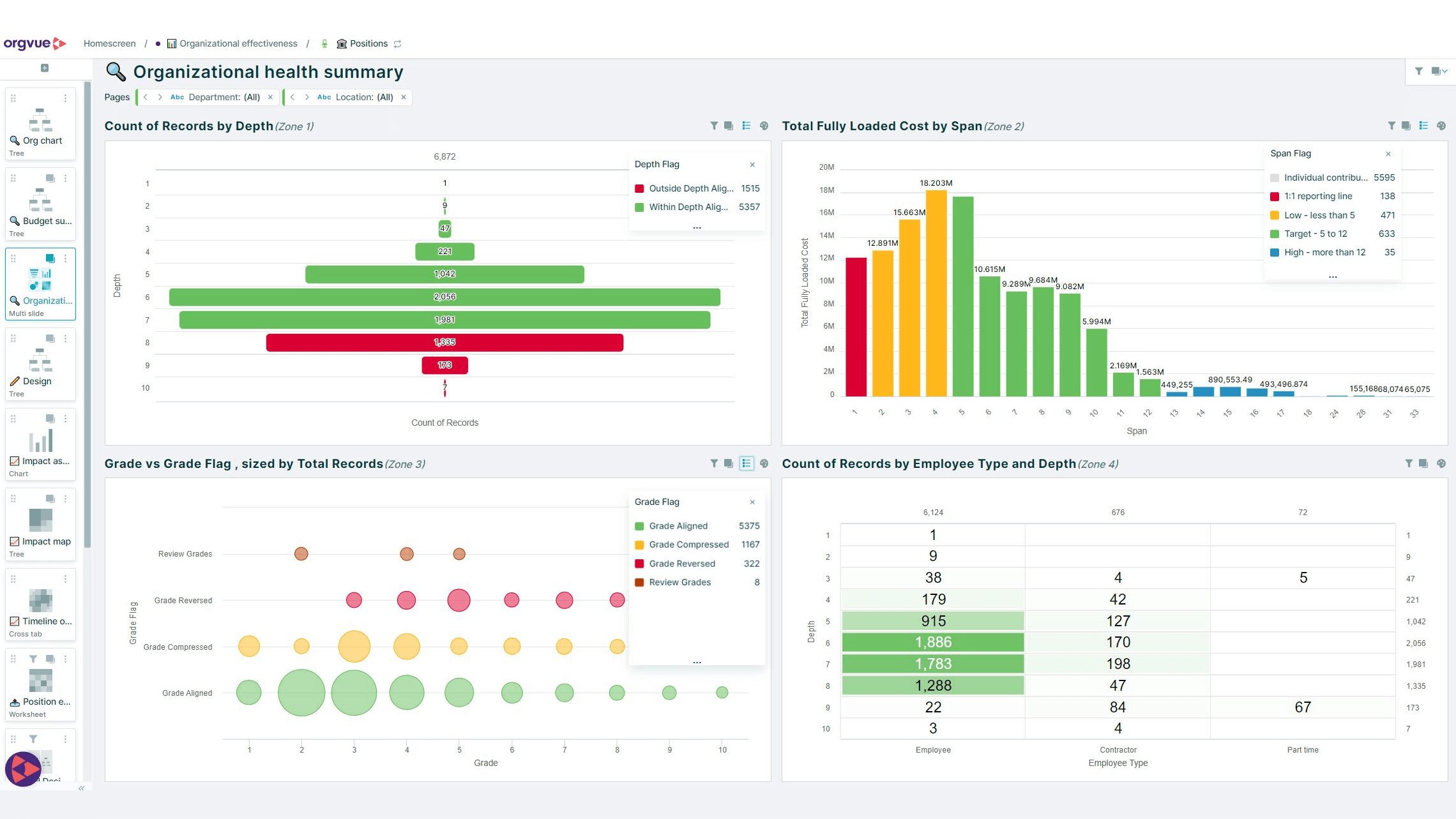
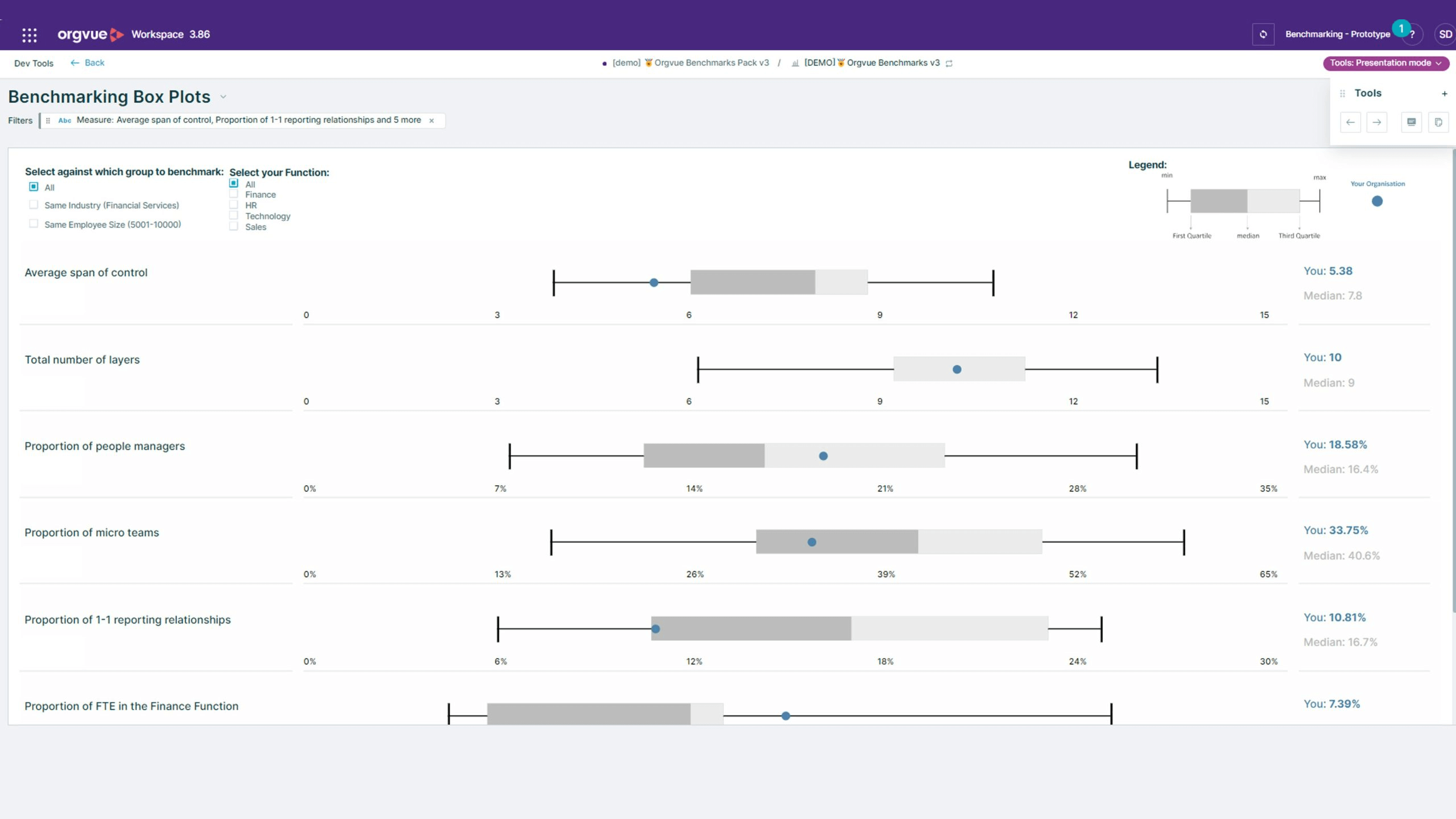
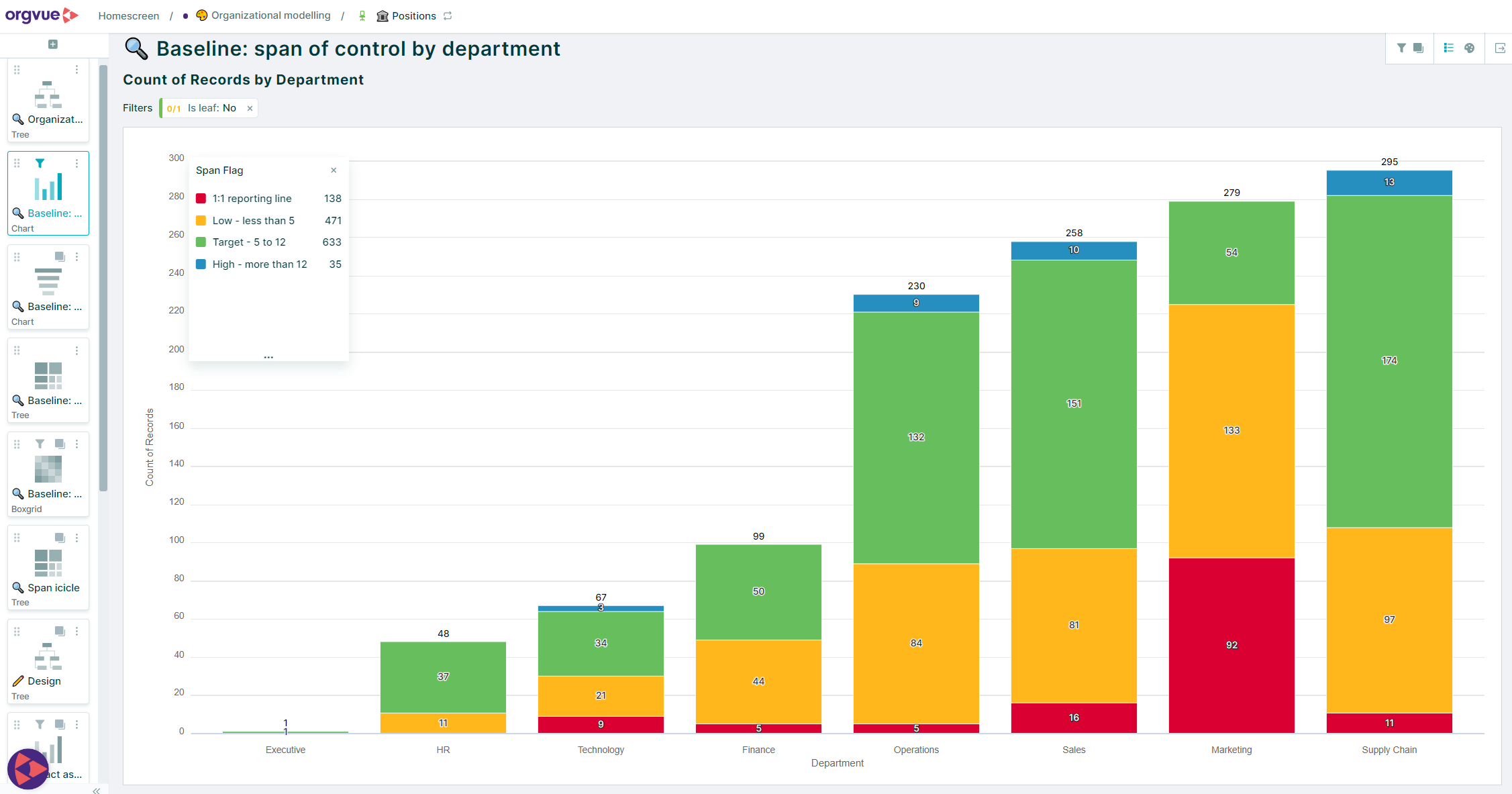
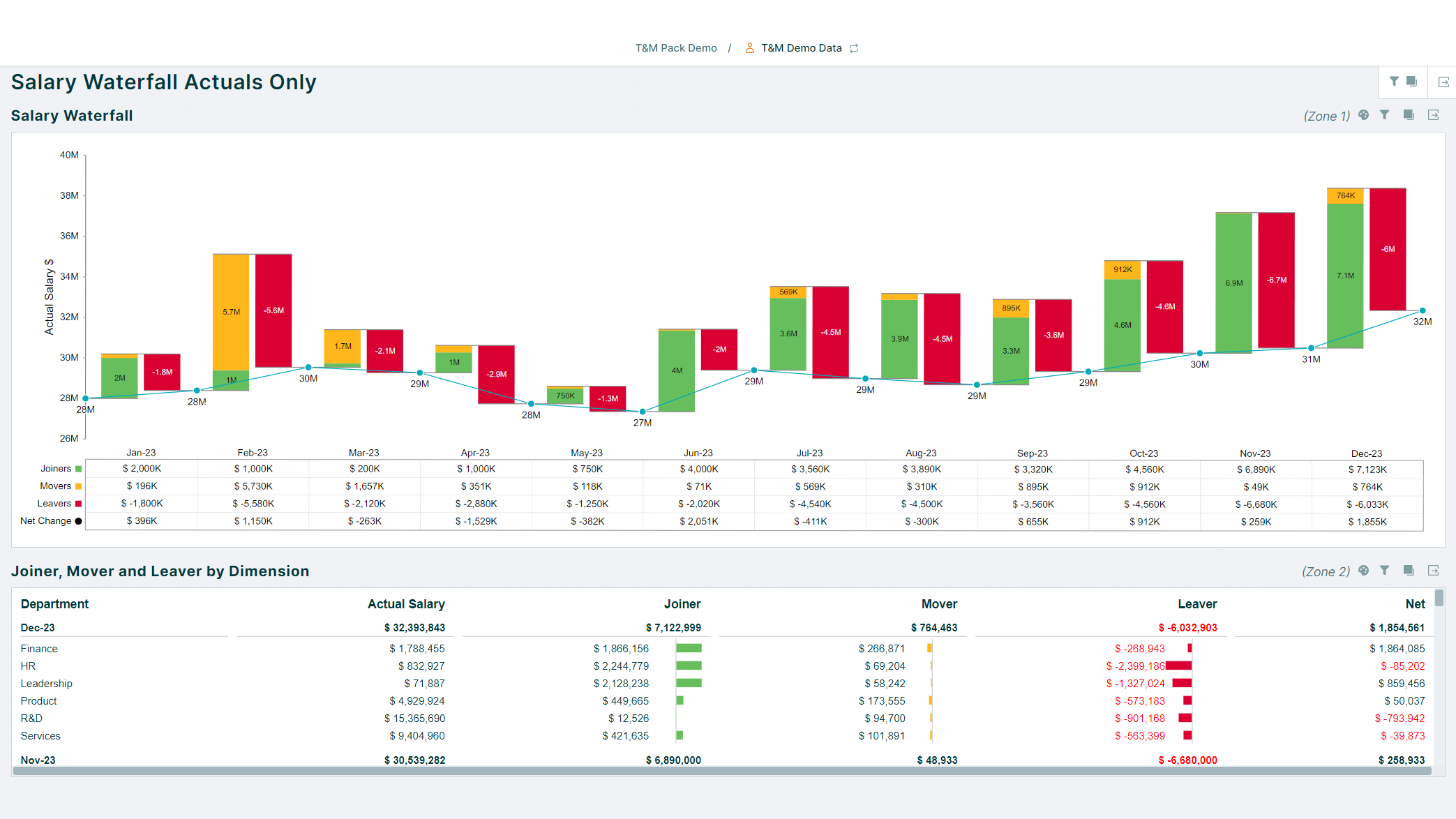
Build a trusted baseline with connected data, powerful analytics and external insight, so you can see what's working, what's not and where to focus next.
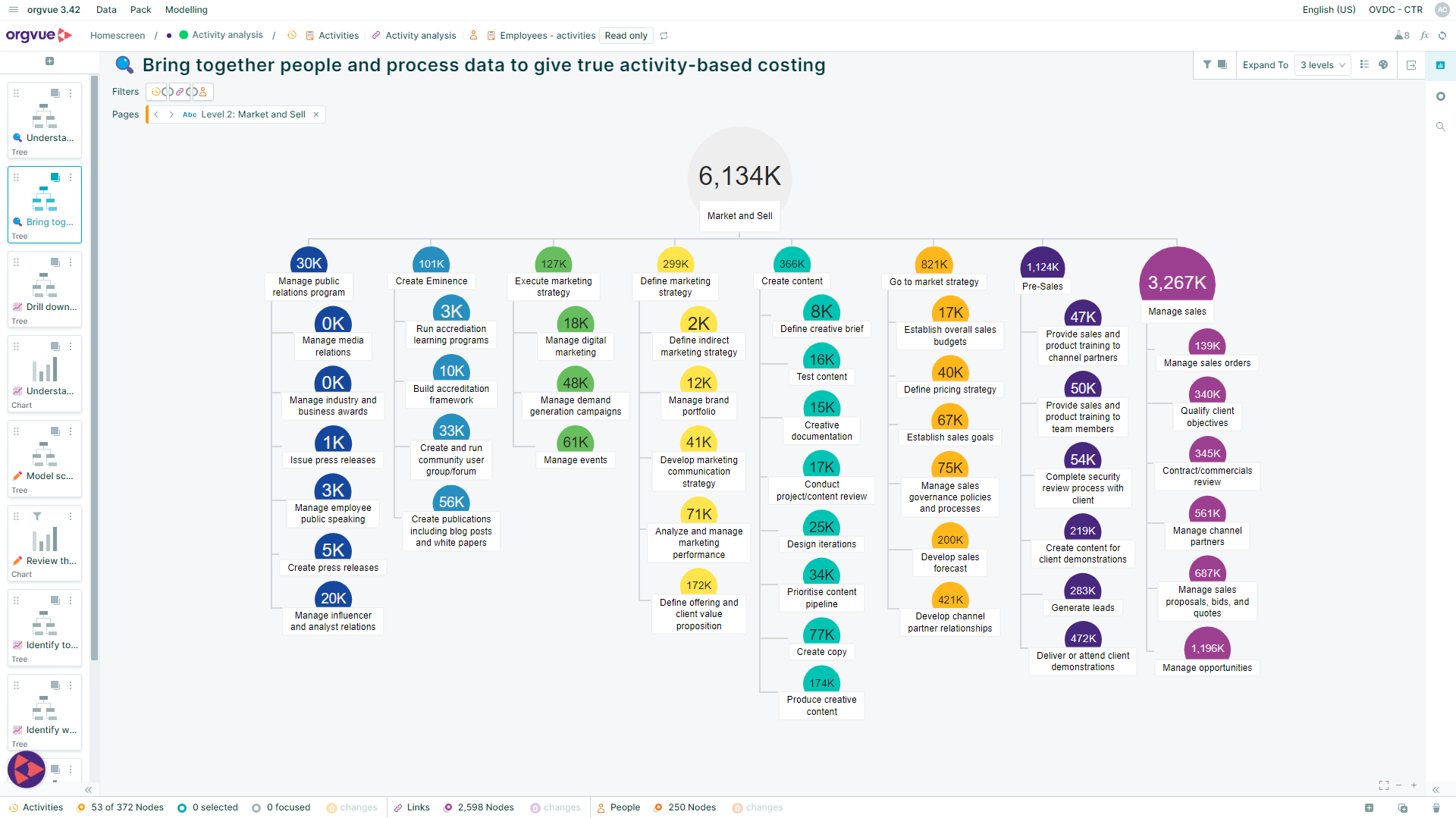
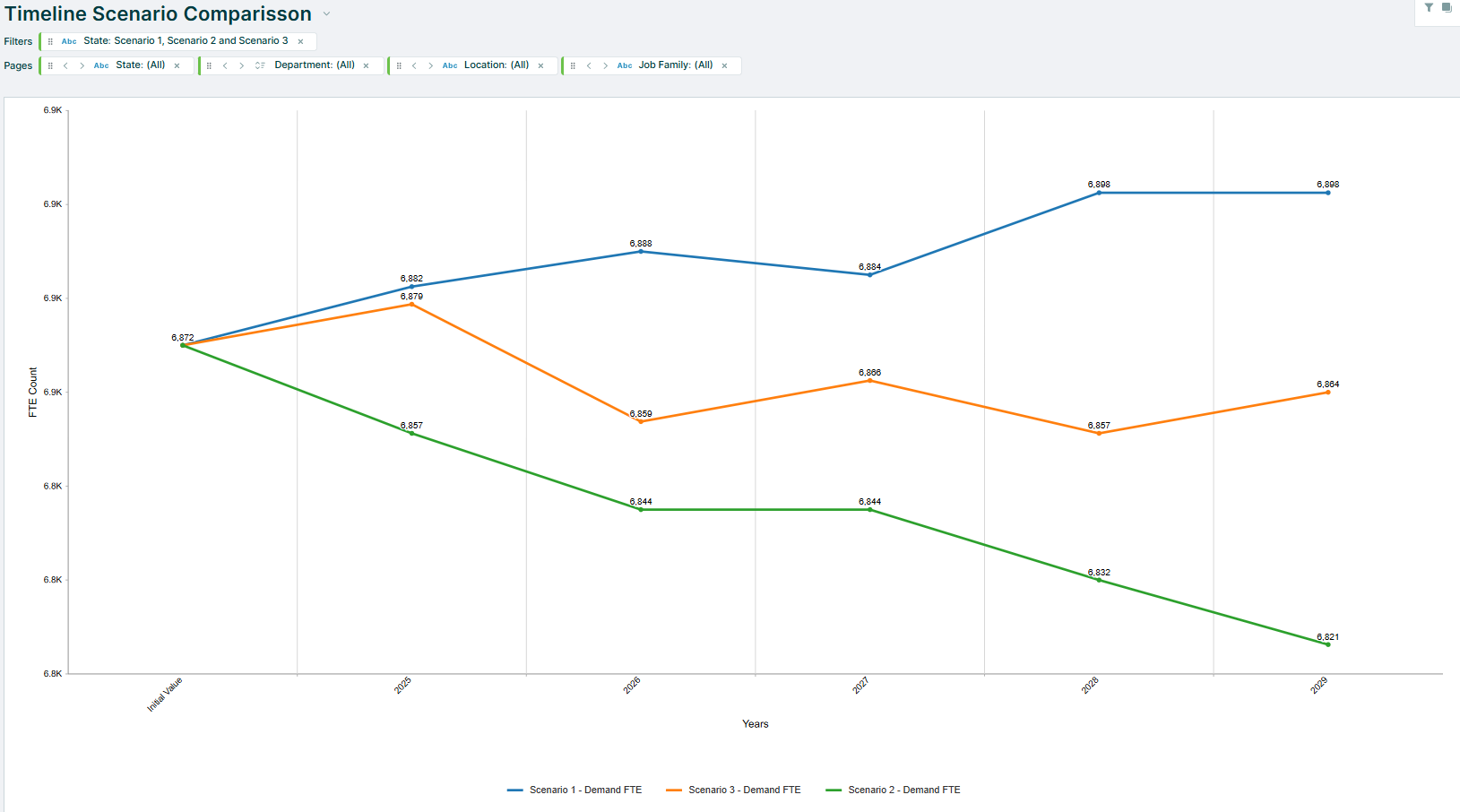
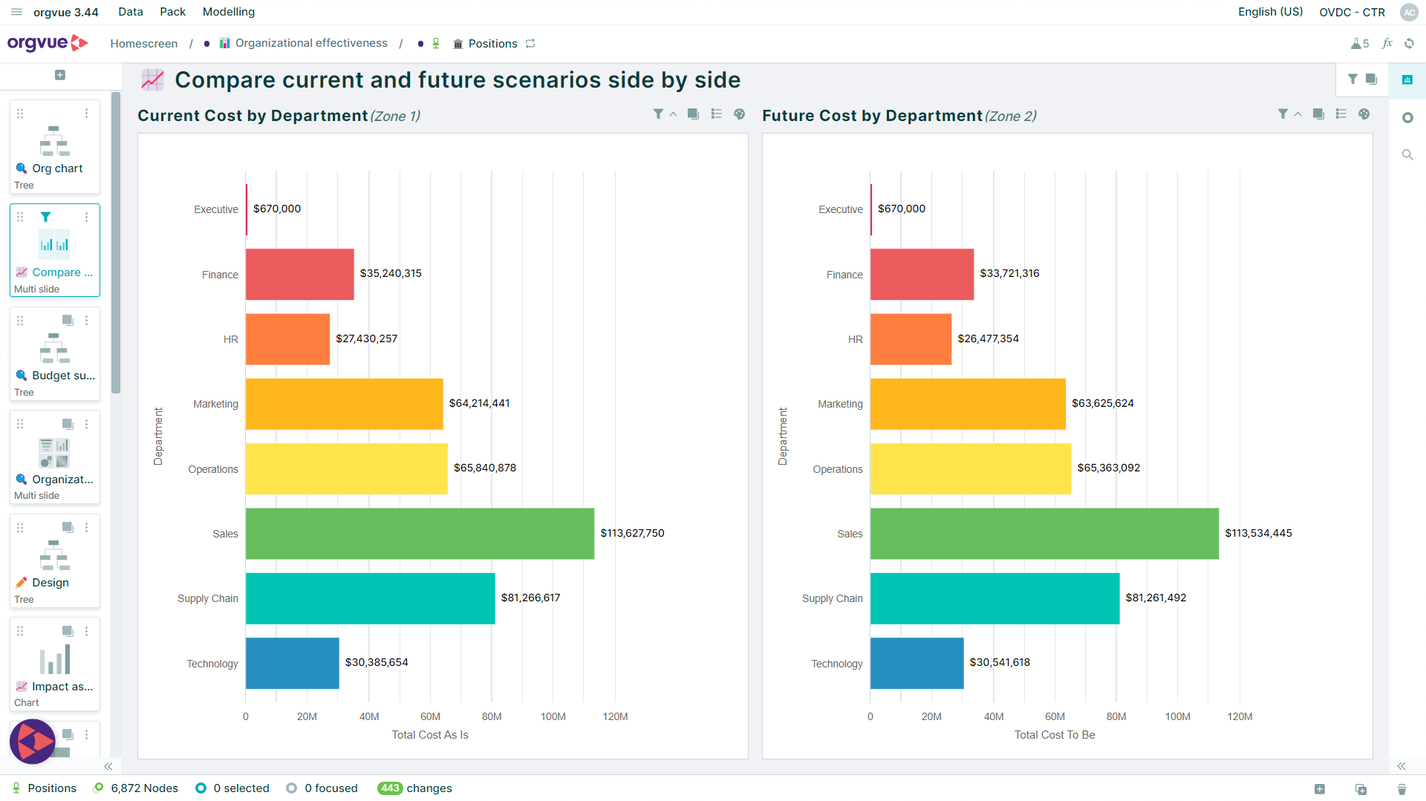
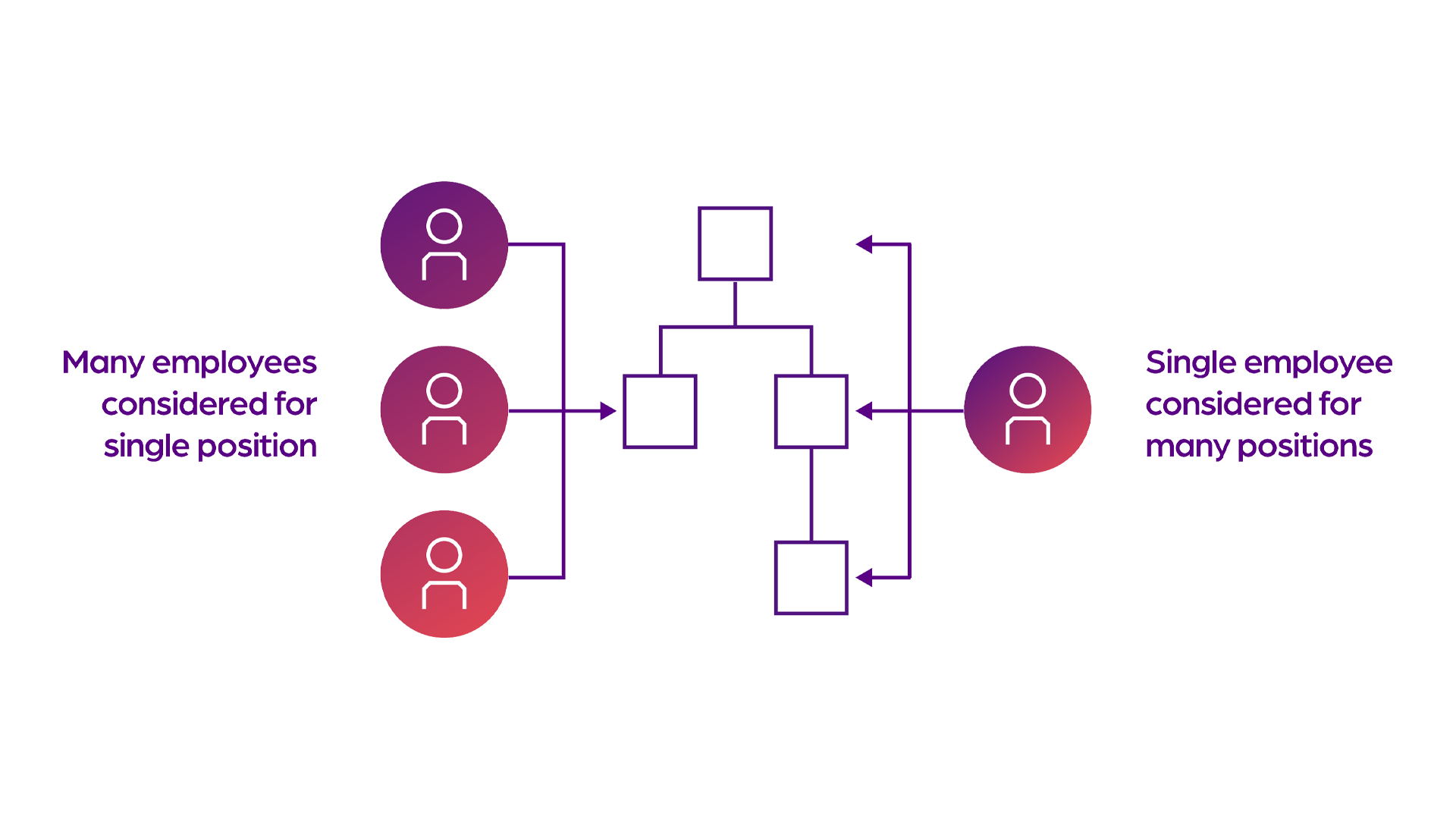
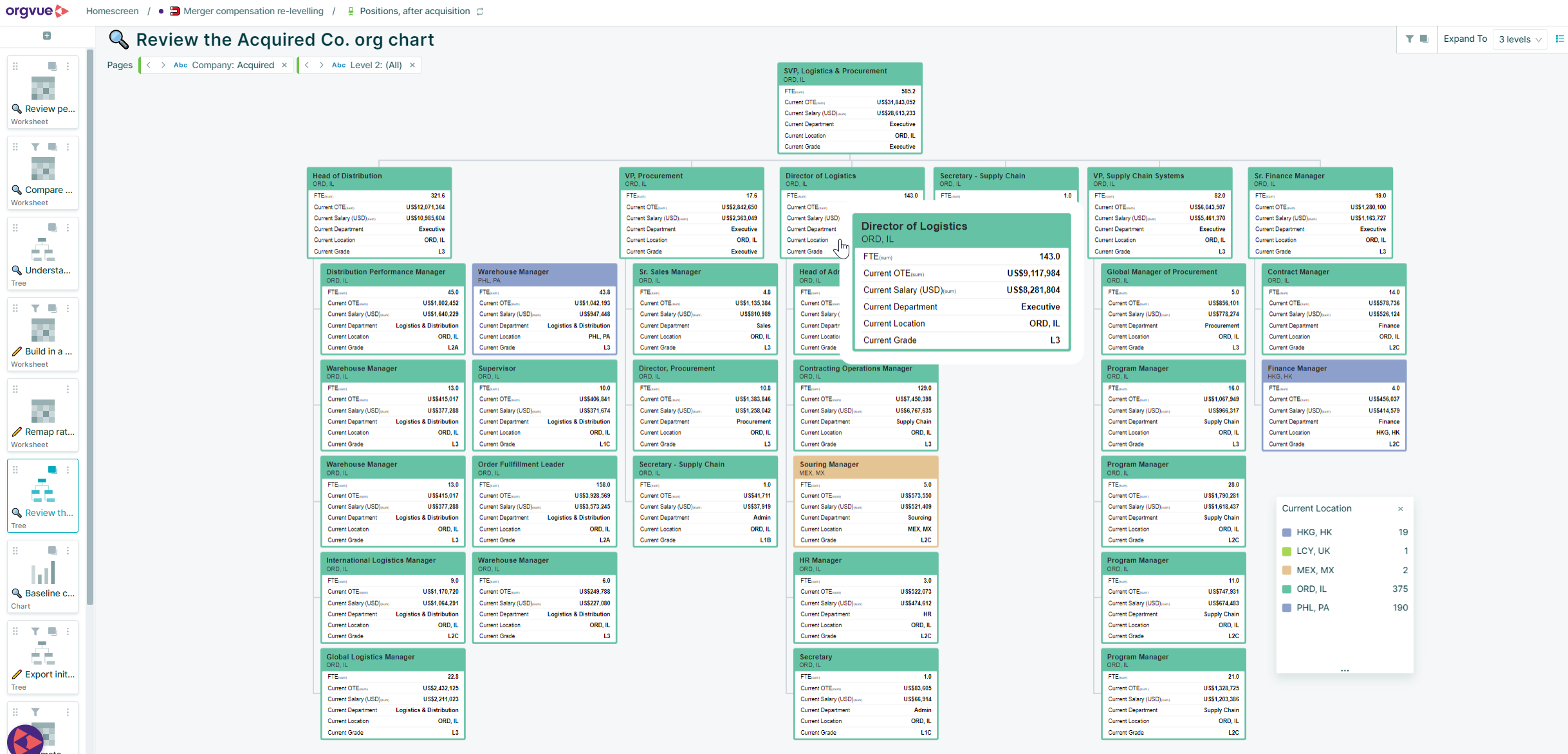
Explore and compare workforce models, from top-level operating structures to team-level design. Test scenarios and impacts in real time and build consensus on the best way forward.
The only platform built to design, plan, and act on workforce change
Spreadsheets, AI tools, HR systems, financial planning systems, and specialist workforce tools each cover part of the picture. Orgvue connects all of it, so you can model change, see the impact, and make decisions that hold up.
Capability
Orgvue
Spreadsheets
AI toolse.g. ChatGPT, Claude, Gemini
Specialist workforce toolsPeople analytics, org charting, labor market data
Get a quick read on the data
Explore a question or hypothesis
Surface patterns and insights
Falls to the user
Hold a single, agreed view of the organization
Multiple versions
Possible, but not persistent
One slice of the data
Apply consistent rules across analysis
Breaks as files multiply
Depends on setup
Within its own model
Re-run repeatable analysis and trust the result
Fragile formulas
Not guaranteed
Take insight and shape a future state
Manual and error-prone
Falls to the user
Limited modeling
Compare and iterate different design scenarios
Version chaos
Manual, case by case
Limited scenario depth
Link decisions to cost, roles, and structure
Manual formulas
Not built in
Not built in
Turn decisions into a clear plan
Hard to scale or maintain
Not supported
Analysis, not planning
Yes
Partly
No
Case studies
Faster decisions. Bigger savings. Proven at scale.
Featured
Danone adopts an always-on approach to organizational development
Danone replaced episodic transformation programs with an always-on approach to organizational development and workforce planning.
It shortened planning cycles, connected workforce data globally, and improved responsiveness to business change
Moved workforce planning from annual to quarterly cycle
Connected data across 16 regions and 11 function
Built continuous organizational development capabilities
"We believe that by taking an ‘always-on’ approach. We can minimize disruption to the business, better react to changing organizational demands and better support our workforce."
Enabled strategic workforce planning across a global organization with 5,300 employees and 90 branches, helping align future workforce demand with long-term business strategy and transformation goals.
Uncovered millions in cost-saving opportunities by identifying role duplication, realigning functions, and optimizing workforce structures through data-driven scenario modeling.
Using Orgvue's Henshaw AI, replaced six months of manual role mapping with six days of AI-powered analysis, organizing 8,000 positions into 83 clusters to unlock workforce planning.
In a personalized demo session, discover how Orgvue can help you:
Understand workforce impacts before restructuring
Compare multiple operating model scenarios
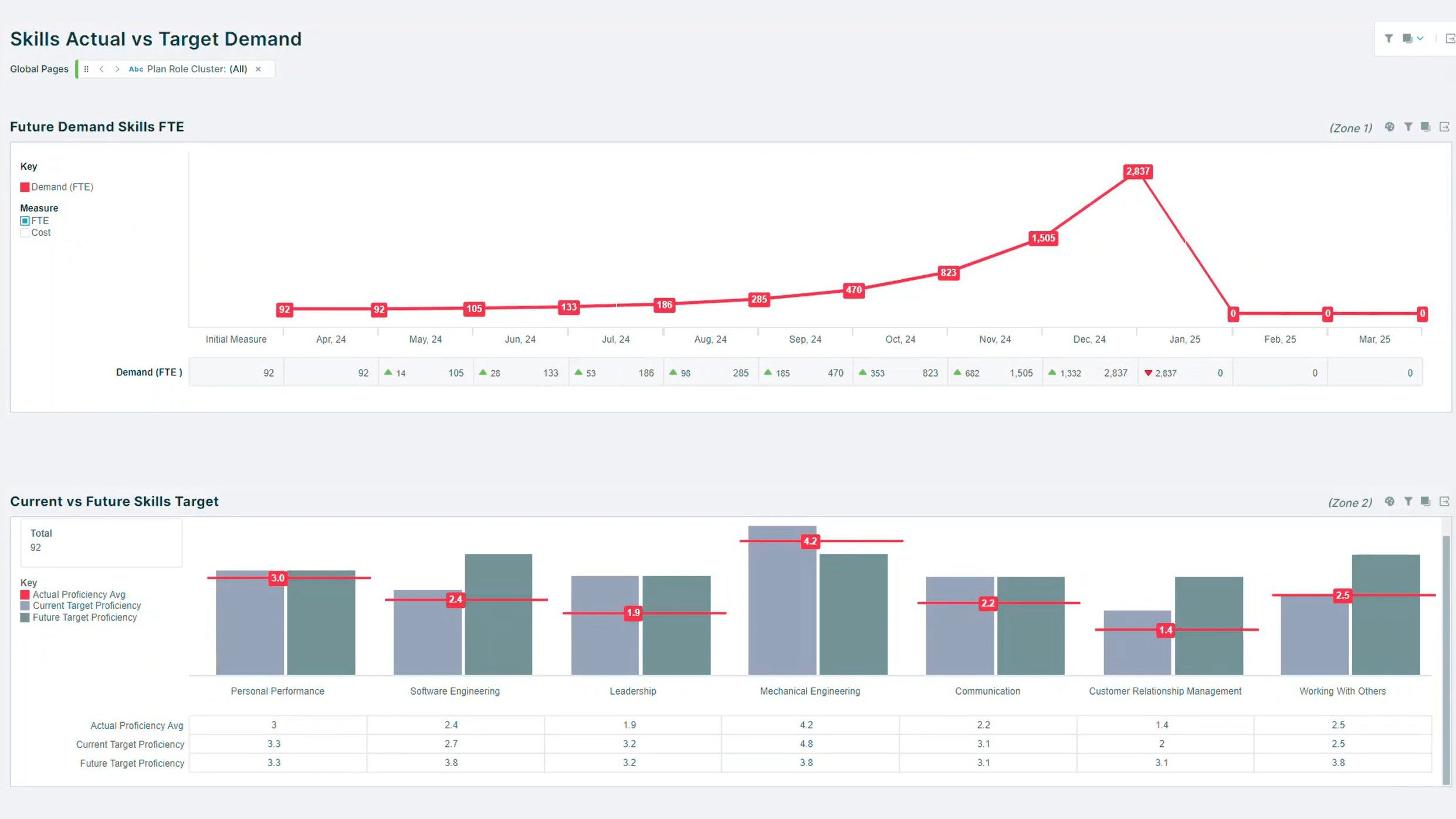
Find critical skill gaps across the organization
Align workforce plans to business strategy
Accelerate AI workforce transformation
Trusted by global enterprises
“Orgvue’s automated role-clustering capability will save a huge amount of time in surfacing opportunities for organizational redesign, workforce planning, and cost reduction. What we’ve seen so far is truly game changing for design work.”
Orgvue is a workforce transformation platform that brings people, work, skills and costs together in one connected model. Organizations use it to analyze their current workforce, design future organizations, plan for skills and capacity needs, and monitor change over time.
What can you do with the Orgvue platform?
Orgvue supports the whole workforce transformation cycle in four stages: analyze, design, plan and monitor. Teams can build a trusted data baseline, model organizational design scenarios, plan future workforce and skills needs, and track progress against targets.
What data does Orgvue use?
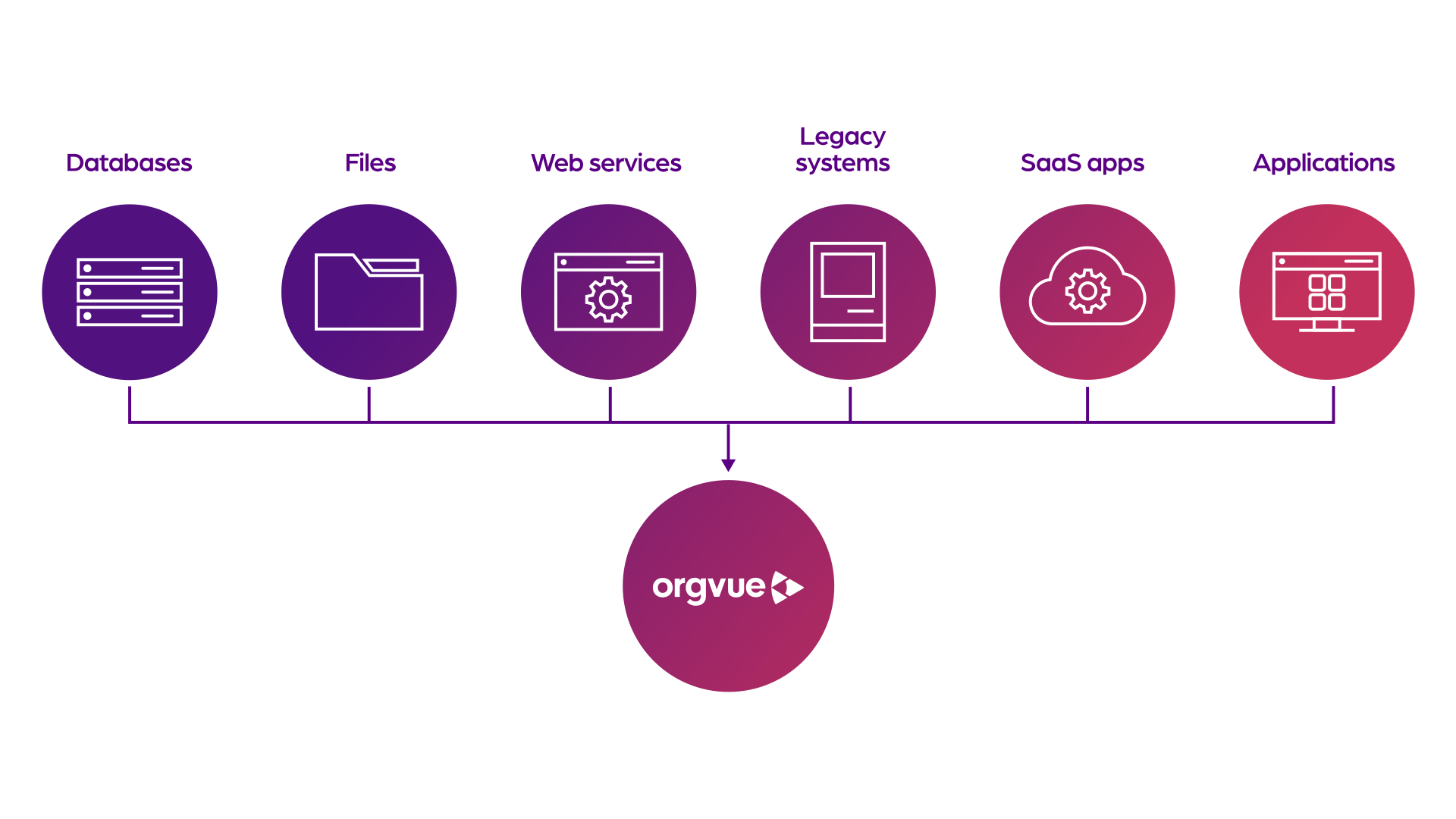
Orgvue connects HR, finance and operational data into a single source of truth about people, roles, structure and costs. It cleans and harmonizes that data and can enrich it with external labor market intelligence for wider context on roles and skills.
What is a digital twin of an organization?
A digital twin of an organization is a connected, data-driven model of your workforce, structure, roles and costs. In Orgvue, it gives leaders a safe environment to test scenarios and understand the impact of change before anything shifts in reality.
Orgvue includes Henshaw AI and governed AI agents at every stage. Henshaw Roles clusters inconsistent job titles into clear role families, Henshaw Assistant answers questions about your organization in plain language, Henshaw Cleaner prepares and cleanses data with contextual suggestions, and WebMCP connects your trusted AI agent directly to Orgvue Workspace.
How does Orgvue keep workforce decisions secure and under human control?
Orgvue is built with enterprise-grade security and compliance standards. Its AI capabilities keep every workforce decision secure, auditable and in human hands, so AI speeds up the work while people stay accountable for decisions.
How does Orgvue differ from other workforce planning and HR analytics tools?
Orgvue combines organizational design, activity analysis, skills and competency analysis, analytics and visualization, data management and workforce planning on one platform. Rather than reporting on the workforce alone, it connects strategy, structure, people and work so teams can move from insight to action.
How quickly can organizations get started with Orgvue?
Organizations can get up and running quickly with support from Orgvue's Professional Services team and trusted partner ecosystem, who help with data integration, configuration and building internal capability.