Create presentation-ready org charts with more control
Orgvue product update
Large organization charts rarely fit neatly onto a single PowerPoint slide. Orgvue gives you more control over how aligned and tree-based charts are divided, labeled and navigated when exported.
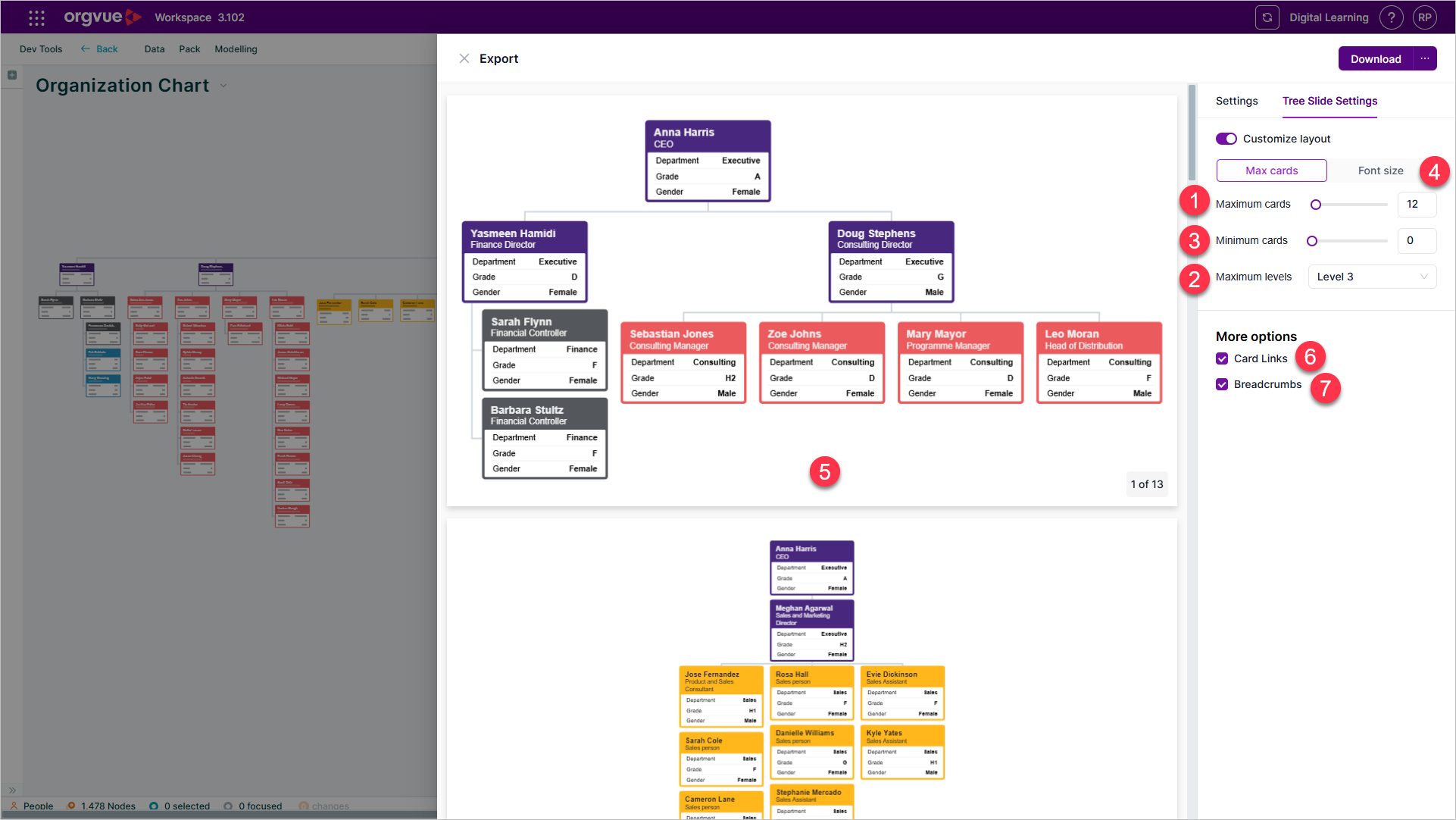
You can set limits for cards and hierarchy levels, helping keep text legible and avoid slides with too little useful content. Font-size controls determine how summary-card titles appear, while Orgvue adjusts the split across slides.
An export preview lets you review the result and refine the layout before downloading. Breadcrumbs preserve hierarchical context when teams span multiple slides, and links between parent and child summary cards make the finished deck easier to navigate.
The updated export panel brings these controls into a consistent side drawer for supported slide and export types.
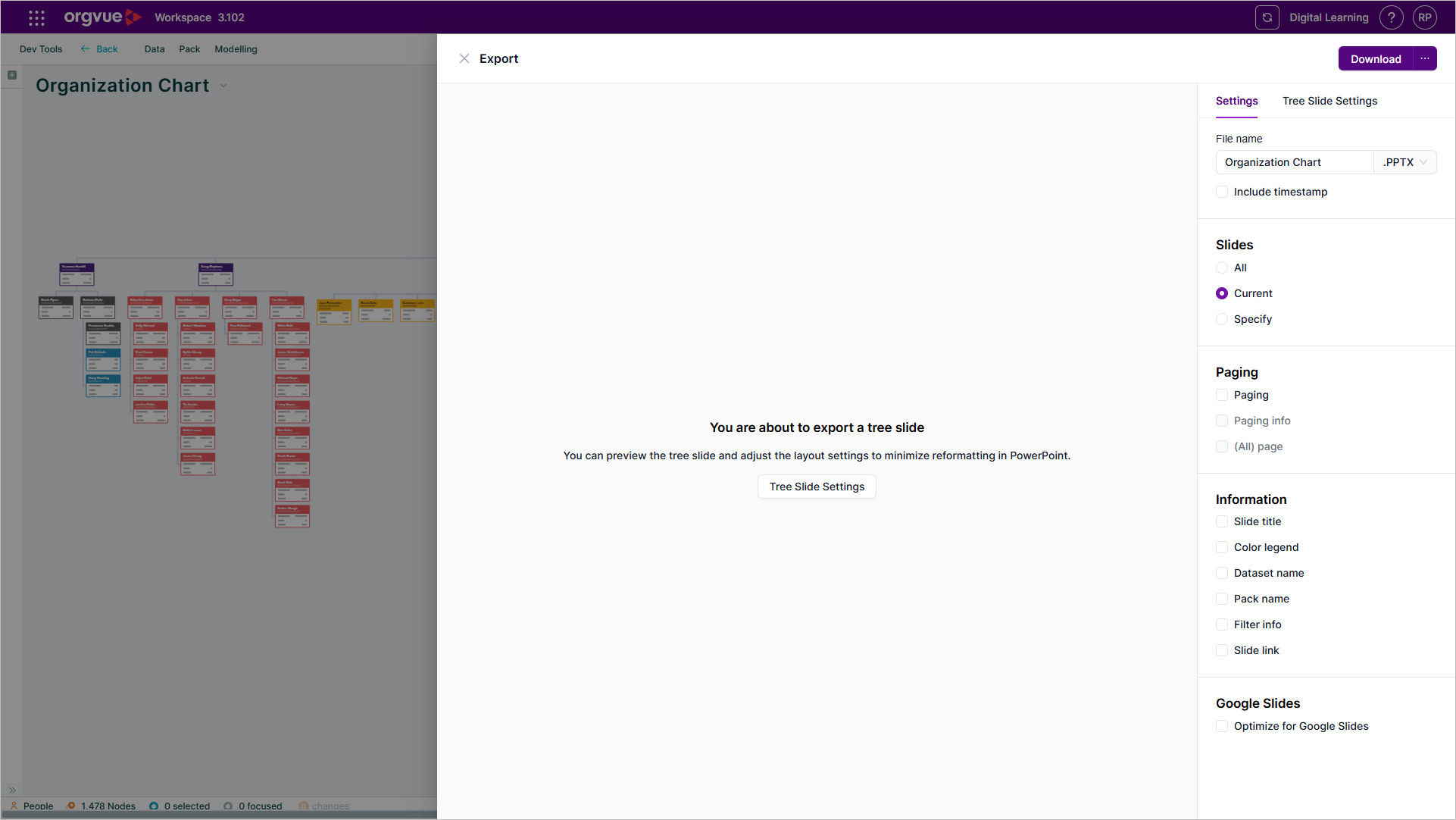
Together, these improvements reduce post-export rework. You can create a deck that remains readable, preserves the story of the organization and is easier for stakeholders to explore.
Explore the Orgvue platform
FAQ: Organization charts
Yes. For supported aligned and tree-based charts, Orgvue can divide the organization chart across slides while preserving its hierarchical context.
You can set limits for cards and hierarchy levels, adjust summary-card title font sizes and review the proposed result in an export preview.
Breadcrumbs retain context across slides, while links between parent and child summary cards help readers navigate the deck.
Yes. The export preview lets you check the proposed layout and refine it before downloading the PowerPoint file.