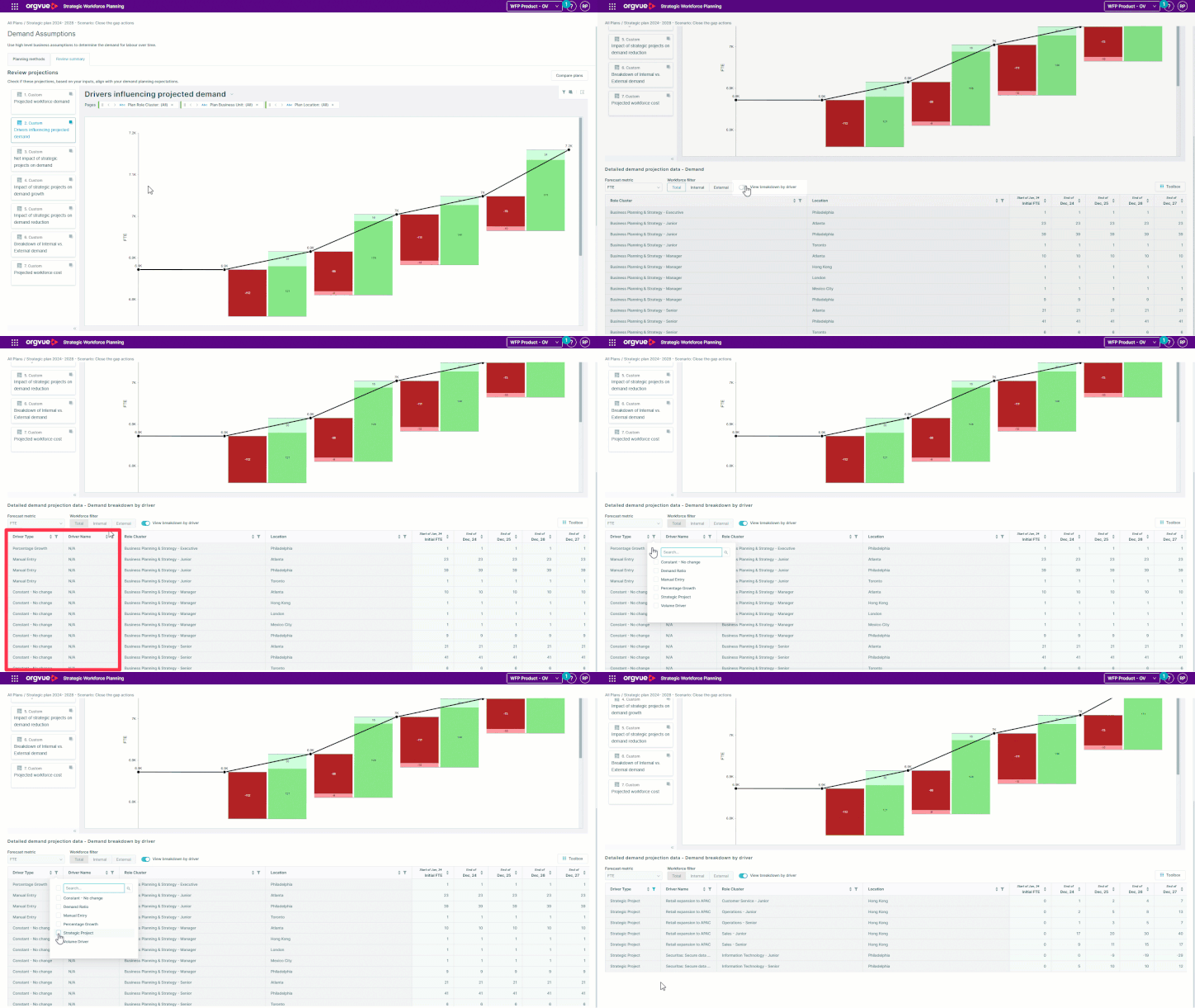
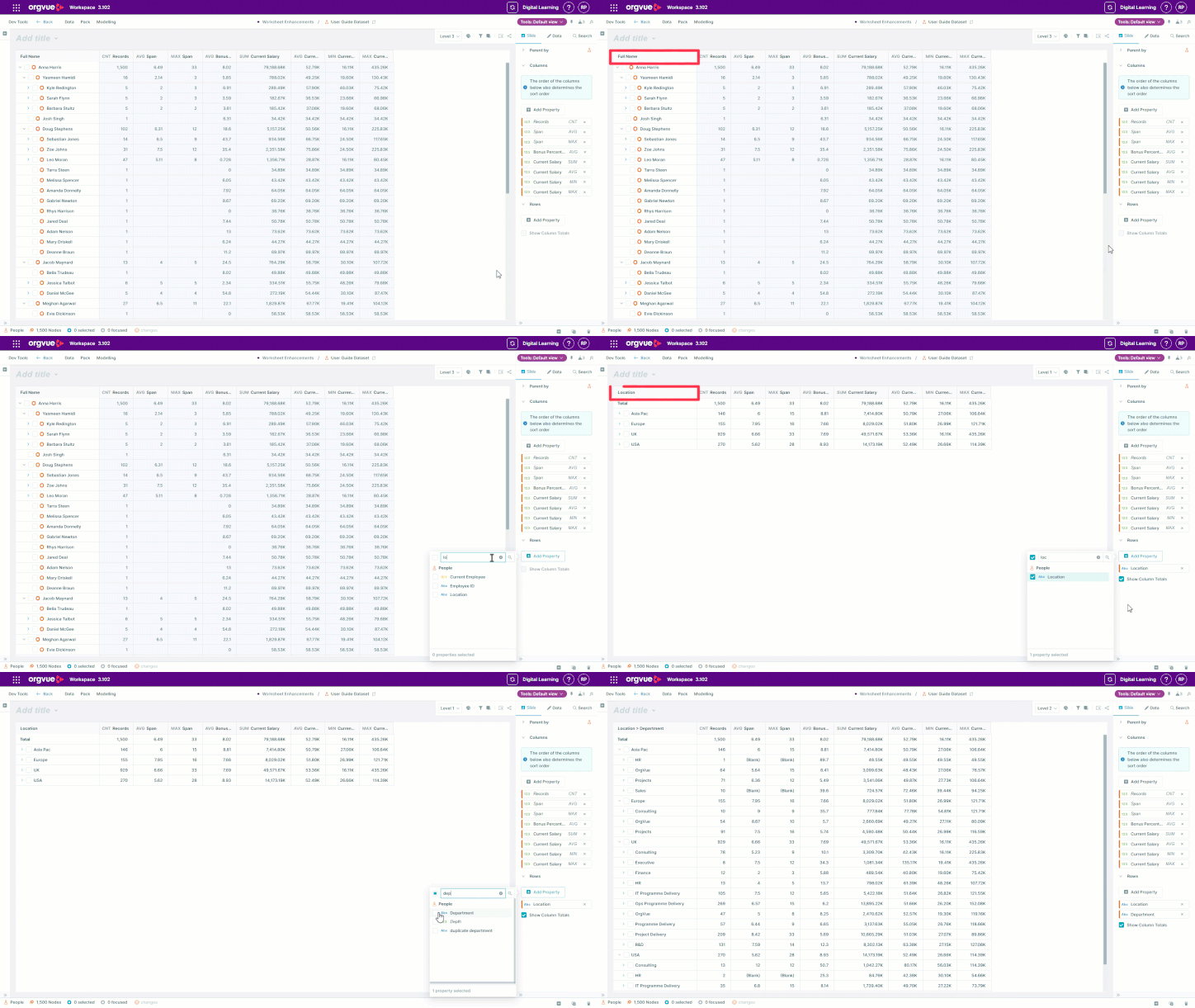
Keep large org chart exports moving smoothly
Orgvue product update
Preparing a very large organization chart for export can involve several layout adjustments. Orgvue now keeps that setup smoother by updating the preview at the right time.
When you enable Customize layout, the live preview pauses while you change export settings. Once you have finished adjusting the layout, the preview updates automatically.
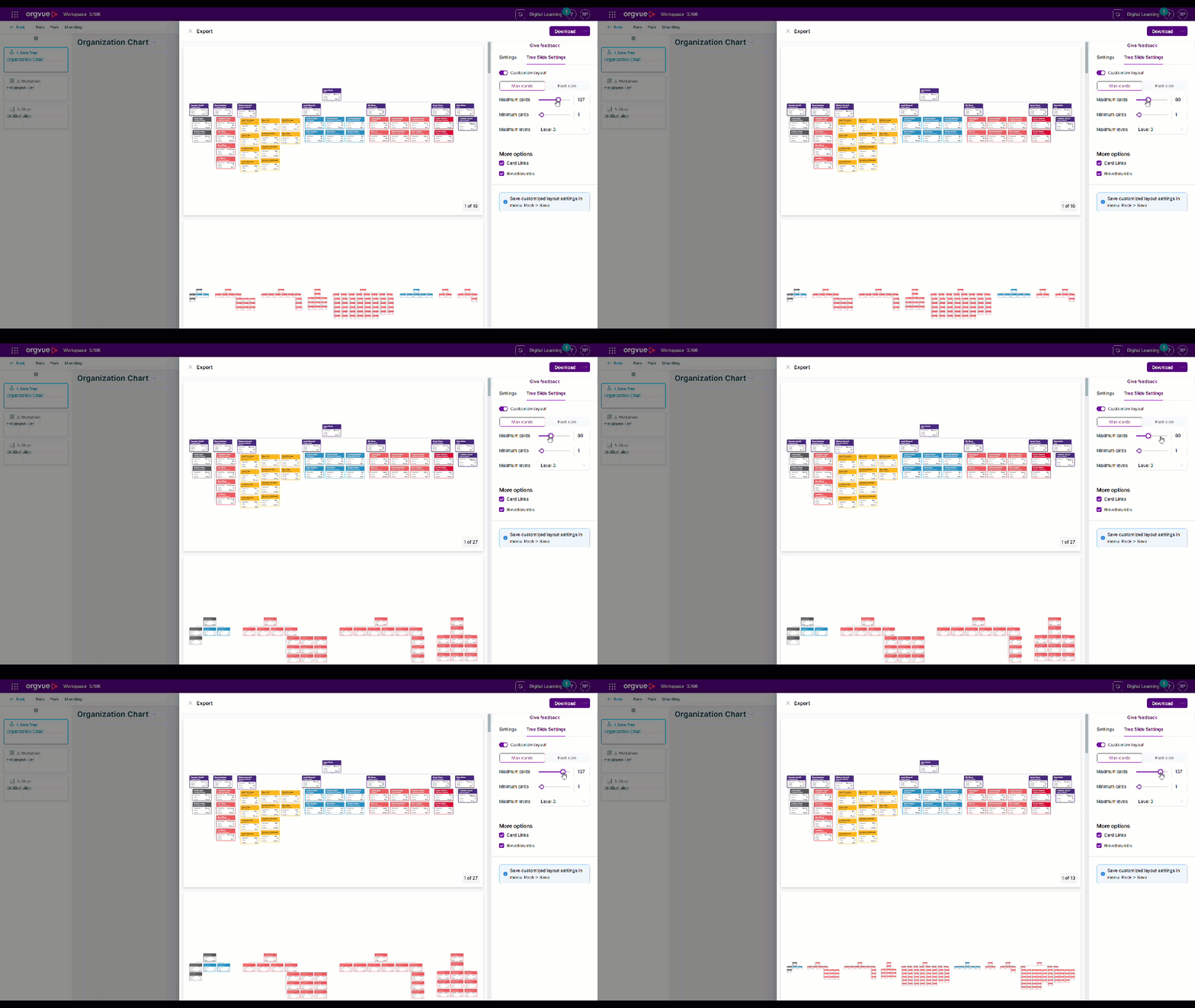
Pausing repeated preview updates helps prevent slowdowns or lag while Orgvue is working with a complex chart. You retain the benefit of checking the proposed layout before export without waiting for a new preview after every individual change.
The improvement is automatic, so there is no new process to learn. Open the export panel, turn on layout customization and make the changes you need. Orgvue handles the preview timing so you can prepare large charts with less interruption.
Explore the Orgvue platform
FAQ: Organization charts
For very large charts, pausing repeated preview updates helps reduce lag while you change the export settings.
After you finish adjusting the custom layout, Orgvue updates the preview automatically.
No. Turn on Customize layout and make your changes as usual. Orgvue manages the preview timing automatically.