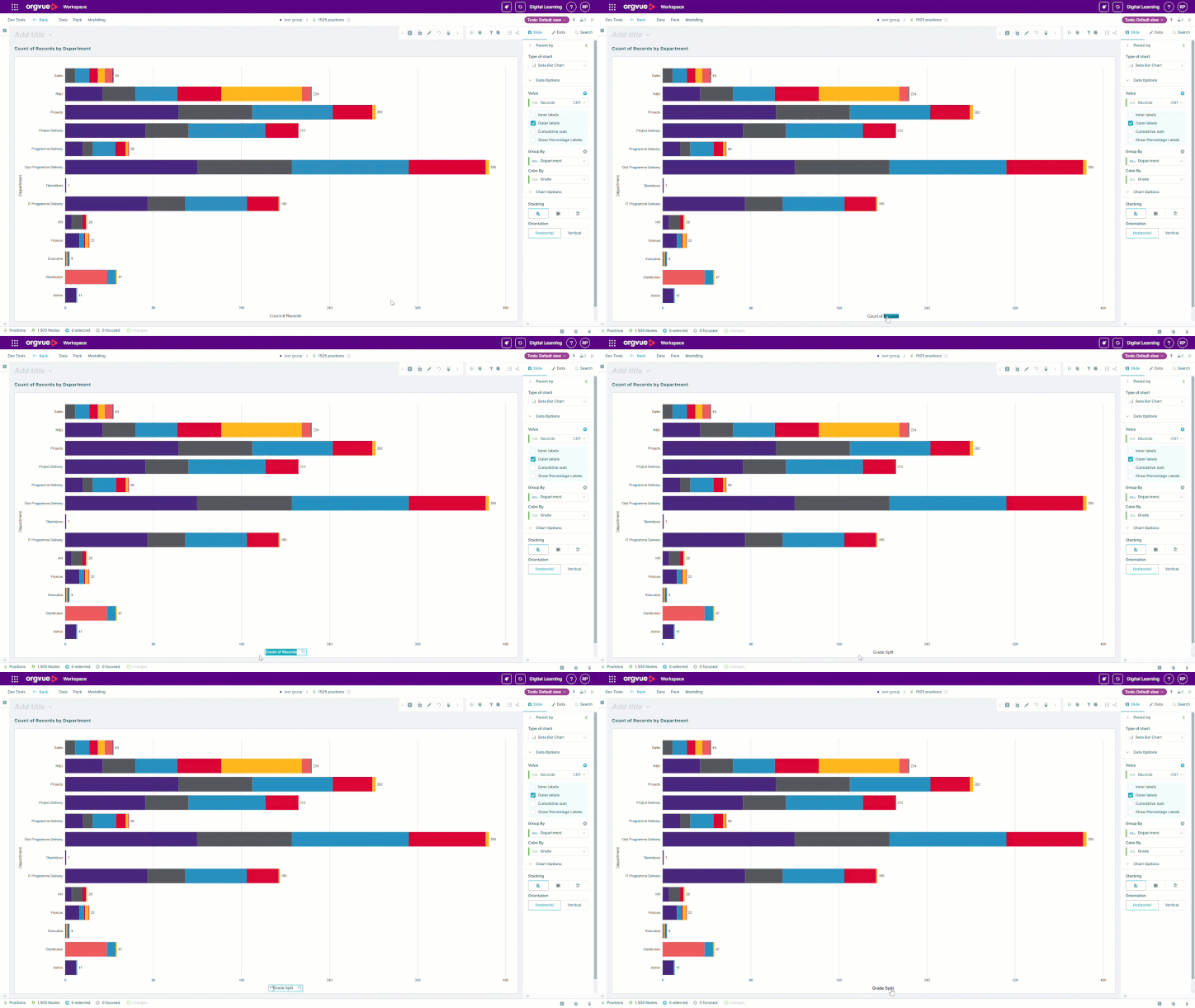
Format pack properties for clearer analysis
Orgvue product update
The way a value is displayed can determine how quickly it is understood. Pack properties in Orgvue can now use formatting options that make numbers easier to scan and communicate.
For example, a monetary value stored as 1000 can be displayed as $1k. This is particularly useful in charts, summary cards and other views where space is limited and the audience needs to compare values quickly.
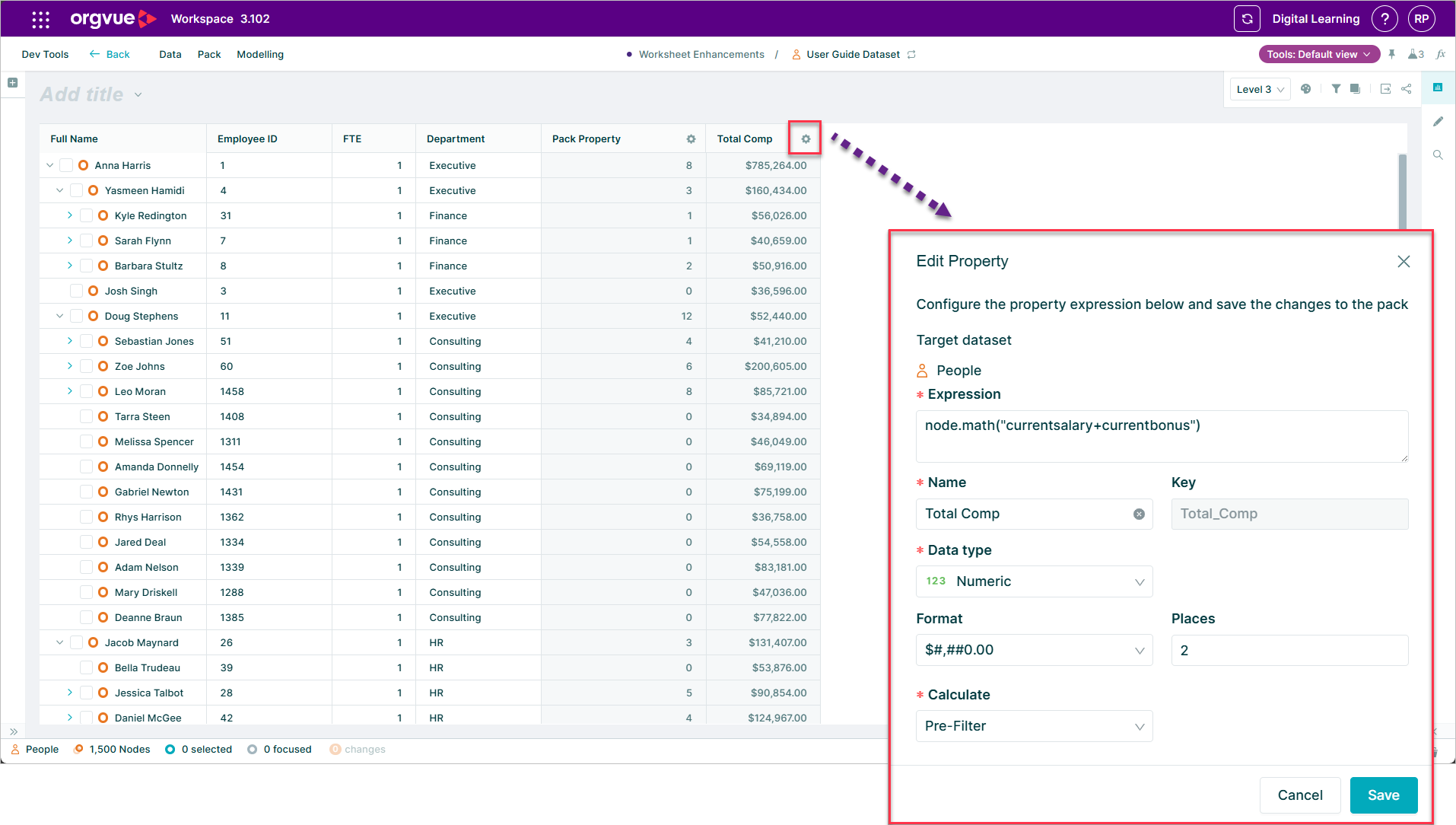
The improvement also brings pack properties into line with dataset properties, giving people who build Workspace content a more consistent set of formatting choices. You can present the value at an appropriate scale without changing the underlying data.
Use property formatting to keep analysis precise while making the output more readable for decision-makers. Open the relevant pack property, choose the format that fits the measure and review how it appears in the slide before sharing.
Explore the Orgvue platform
FAQ: Pack properties
Yes. Pack properties can use display formats that make numeric and monetary values easier to scan in Workspace content.
No. Formatting changes how the value is displayed, not the underlying data.
It is especially useful in charts, summary cards and other space-limited views where readers need to compare values quickly.